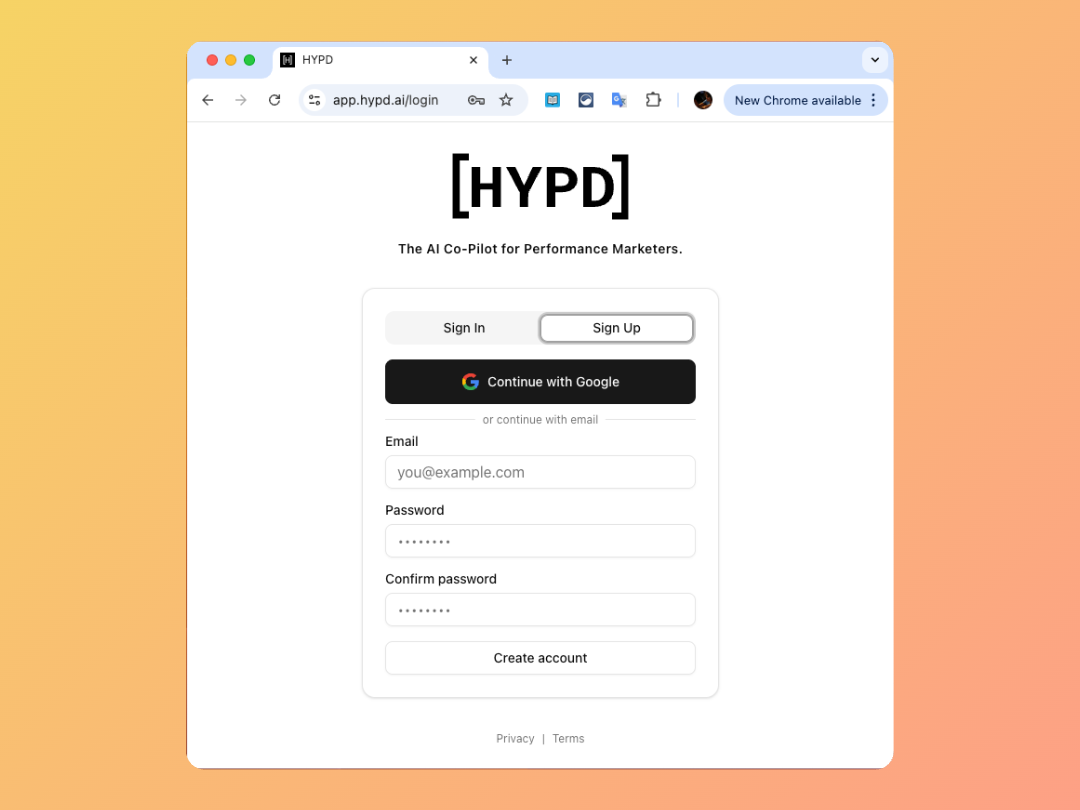
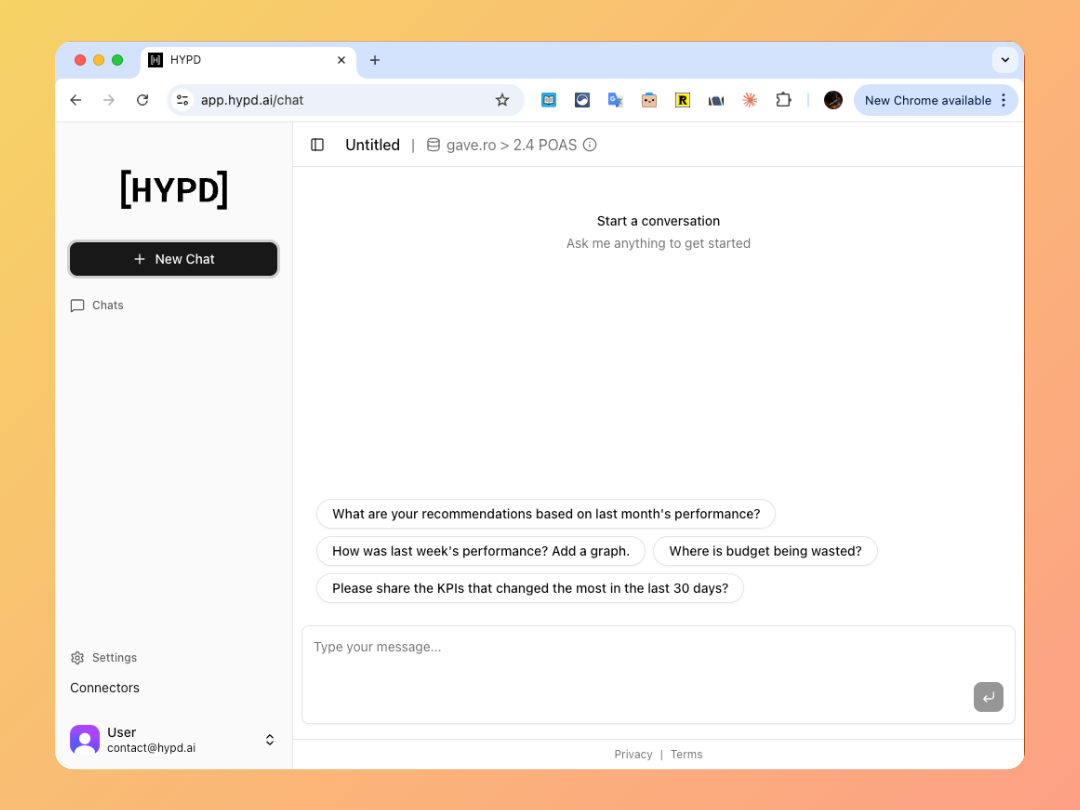
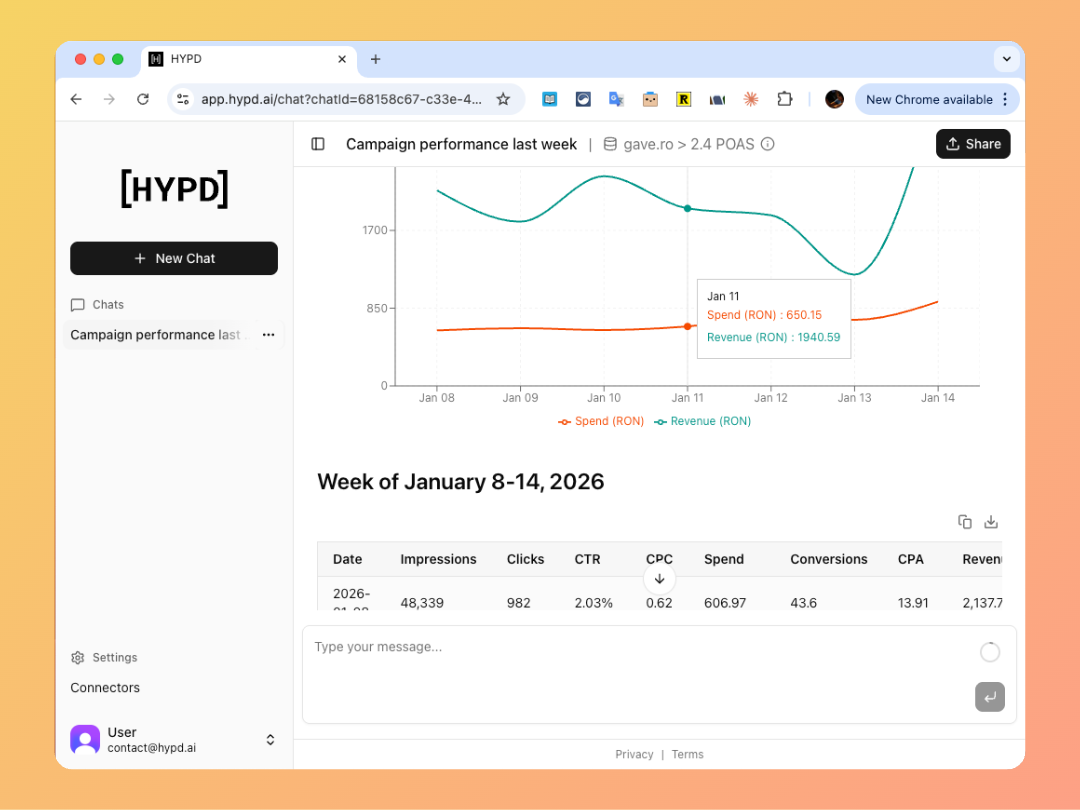
Go to app.hypd.ai and click Sign in with Google or Continue with emailYou can use any Google/Email account—it doesn’t need to be the same one with Google Ads access.
Click 'Sign in with Google' to create your account
2
Connect Google Ads
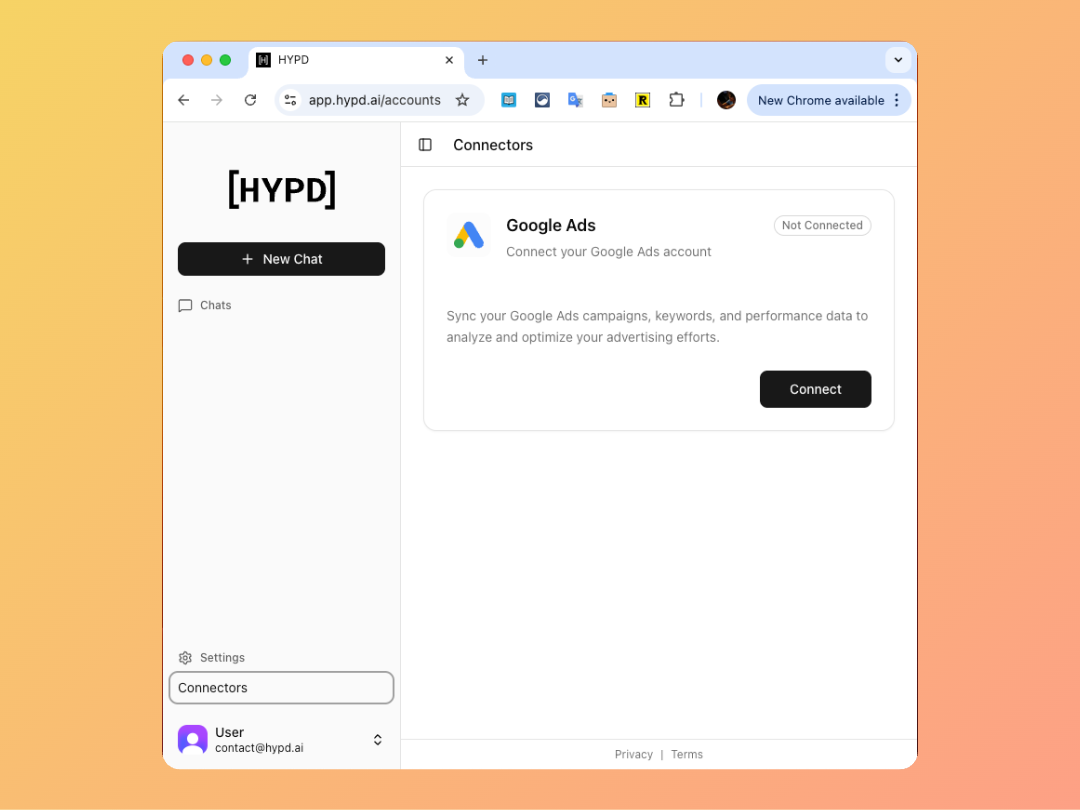
From the sidebar, click Sources, then click Connect next to Google Ads.
Click 'Connect Google Ads' to connect your account
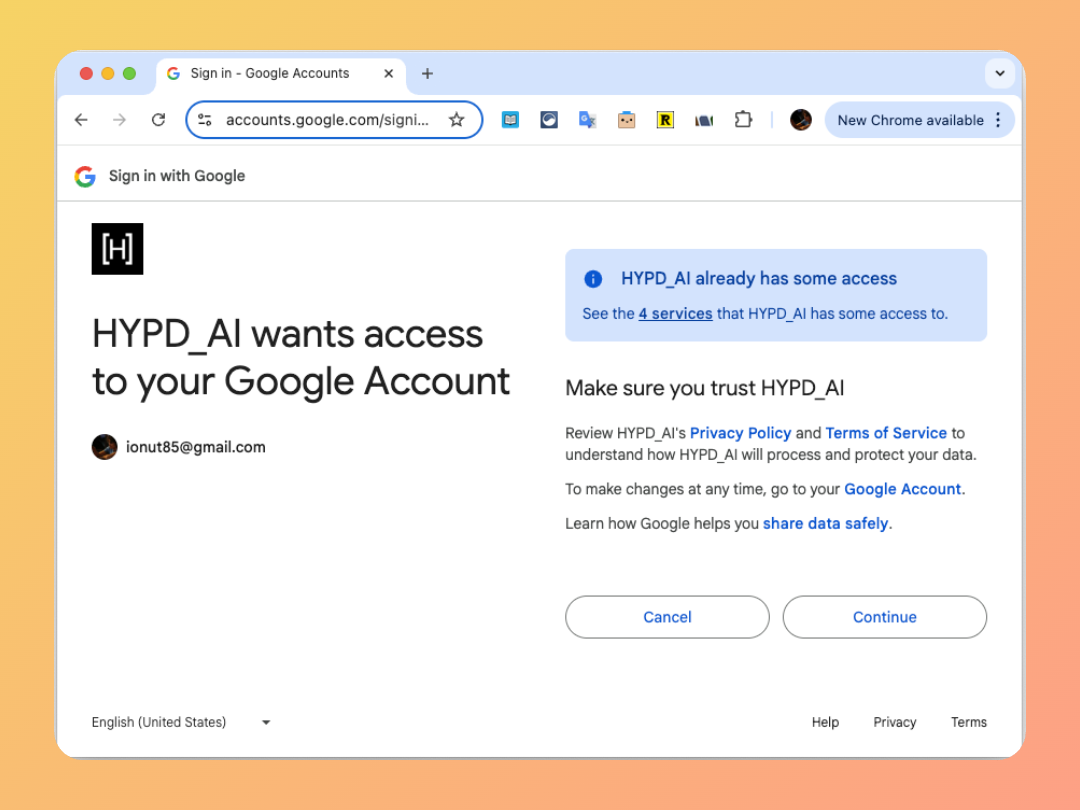
Review and approve HYPD’s privacy policy and terms of service, then authorize Google Ads access.
3
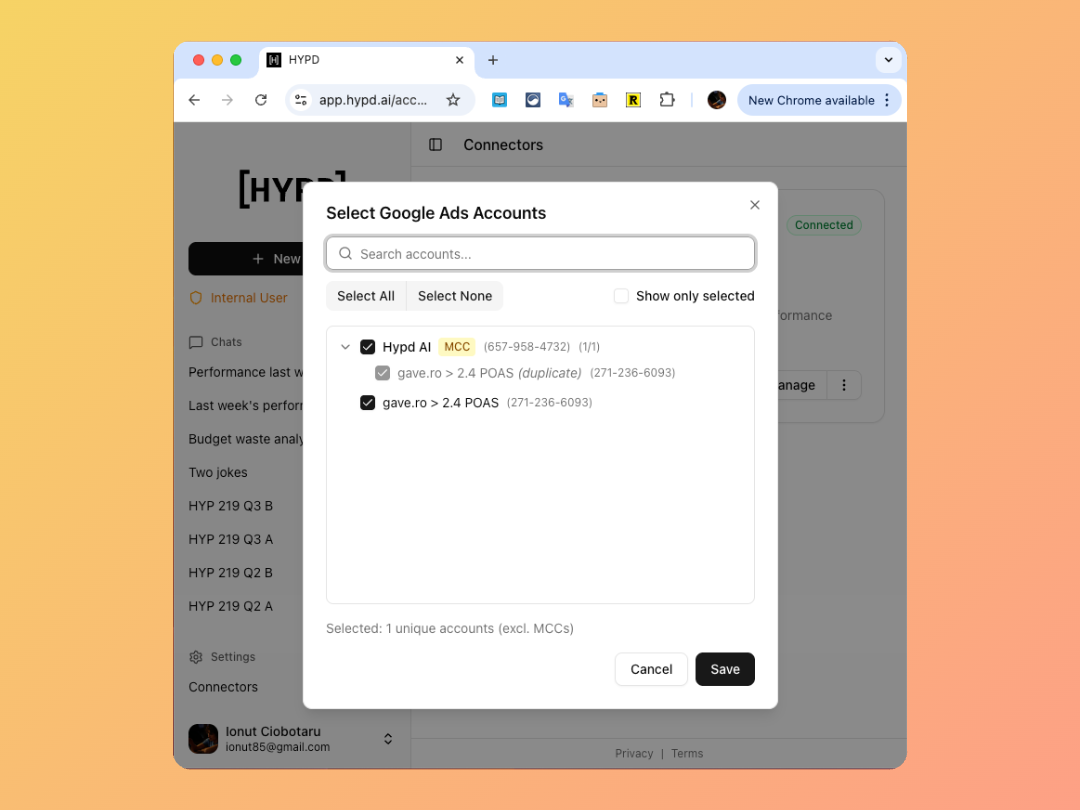
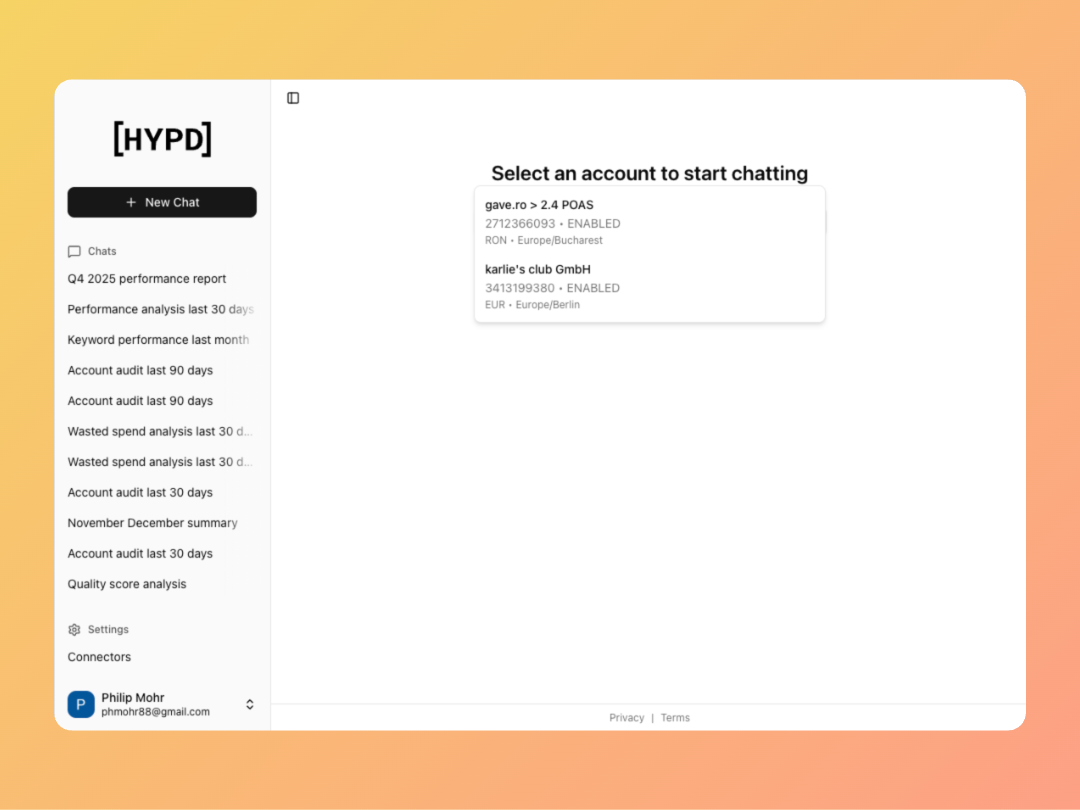
Select and enable the Right Account
Important: Select the account that has direct access to advertiser accounts—not your MCC (Manager) account.